

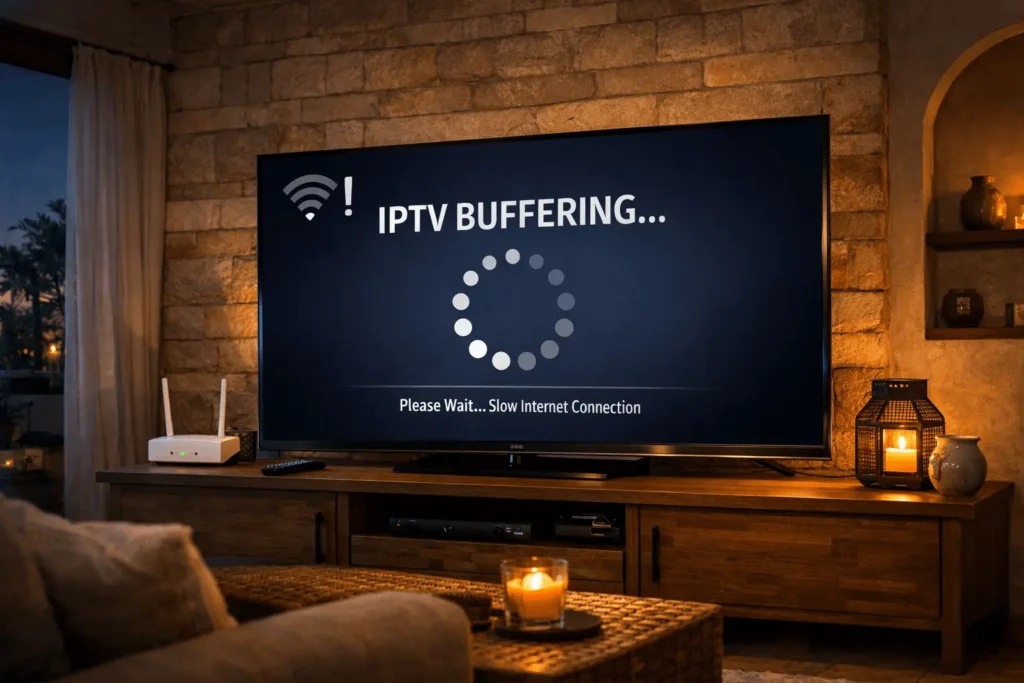
Buffering is one of the most common frustrations for IPTV users in Cyprus. Whether you are watching a live football match, a film, or an international news channel, a spinning loading icon at a critical moment is enough to test anyone’s patience. The problem is particularly widespread in areas where ADSL remains the primary connection type, or where households rely on 4G mobile networks rather than fibre broadband. This guide explains why IPTV buffering happens on slower connections and provides practical steps to reduce it significantly, even without upgrading your internet plan.
IPTV works by delivering a continuous stream of video data over your internet connection in real time. Unlike downloaded content, which is stored locally before playback begins, a live IPTV stream must arrive at your device consistently and without interruption. When the incoming data slows down or arrives unevenly, the player runs out of buffered content and pauses to reload. This is what produces the familiar freeze-and-buffer cycle.
In Cyprus, this problem is amplified by several infrastructure factors. Many residential areas, particularly outside Nicosia and Limassol, are still served primarily by ADSL connections, which have meaningful limitations in both speed and stability. Mobile 4G connections, while often faster in raw speed, are subject to congestion, signal variation, and latency spikes that are equally disruptive to live streaming. Providers such as Cyta and Cablenet both experience network congestion during peak evening hours, when large numbers of subscribers are active simultaneously.
Understanding the speed requirements for different stream qualities helps set realistic expectations. As a general guide, standard definition streaming requires around 4 to 6 Mbps, HD streaming at 720p needs approximately 8 to 10 Mbps, and full HD at 1080p requires a stable 15 Mbps or more. 4K content, where available, typically demands 25 Mbps and above.
The key word in all of these figures is stable. A connection that nominally delivers 10 Mbps but fluctuates between 3 and 10 Mbps throughout the evening will produce a far worse IPTV experience than a connection that consistently delivers 6 Mbps. For IPTV low speed Cyprus users, consistency matters more than headline speed.
If you are unsure of your actual connection speed and stability, running speed tests at different times of day, particularly during evenings when congestion is highest, gives a more accurate picture than a single daytime reading.
The first and most effective adjustment for IPTV low speed Cyprus conditions is to lower the stream resolution. Most IPTV services offer multiple stream quality options, and switching from HD to SD can reduce bandwidth requirements by more than half while still delivering a perfectly watchable picture on most screen sizes.
Within IPTV player applications, increasing the buffer size is another useful step. A larger buffer means the player downloads more data ahead of playback, giving it a reserve to draw on when the connection temporarily slows. In most IPTV applications, this setting is found within the playback or advanced settings menu, and increasing it from the default value to a medium or high setting can noticeably reduce freeze events on slower connections.
Closing background applications and downloads on all devices connected to your network during IPTV viewing is equally important. Other devices streaming video, downloading updates, or running cloud backup services compete for the same limited bandwidth available on an ADSL line.

4G connections present a different set of challenges. Signal strength can vary significantly depending on your location within a building, and network congestion in densely populated areas of Cyprus can reduce effective speeds considerably during peak hours.
Positioning your mobile device or 4G router near a window, or on a higher floor, typically improves signal reception. If you are using a dedicated 4G router as your home internet connection, experimenting with its physical placement can produce noticeable improvements in both speed and stability.
Using a lower stream resolution is again the most reliable mitigation. For 4G users watching on a tablet or smartphone, SD quality is often indistinguishable from HD on a smaller screen, and the reduction in bandwidth demand significantly lowers the risk of buffering during periods of network congestion.
IPTV Smarters Pro is one of the most widely used IPTV applications among Cyprus viewers, and its settings menu includes several options that are relevant for users on slower connections. Within the application’s general settings, the stream buffering option can be adjusted to increase the amount of content pre-loaded before playback begins. Setting this to a higher value improves resilience on connections where speed fluctuates.
Selecting the appropriate player engine within IPTV Smarters Pro also matters. The application typically offers several playback engine options, and on slower connections, some engines handle buffering and decoding more efficiently than others. Testing each option on a channel you watch regularly will quickly reveal which performs best on your specific connection.
For those using other players such as TiviMate or VLC, similar buffer size adjustments are available within their respective settings menus. The principle is the same regardless of the application: giving the player more data to work with in advance reduces its vulnerability to brief connection drops.
The quality of your home network has a direct impact on IPTV performance that is often underestimated. A slow or unstable WiFi connection can introduce its own buffering entirely independently of your internet speed. Walls, floors, and other electronic devices all interfere with WiFi signals, and a router positioned poorly relative to your viewing device can create a bottleneck even when the internet connection itself is performing adequately.
Placing your router in a central location, away from thick walls and electronic equipment, improves signal coverage throughout the home. If your Smart TV or IPTV box is far from the router, a WiFi extender or a powerline adapter can bridge the gap more reliably than relying on a weak direct signal.
For any device that remains in a fixed location, connecting directly to the router via an Ethernet cable eliminates WiFi variability entirely. A wired connection delivers a more consistent and lower-latency signal than WiFi, which makes a meaningful difference during live IPTV streams where even brief interruptions are noticeable.
This applies to Smart TVs, desktop computers, and Android TV boxes alike. Most IPTV box Cyprus setups can be connected via Ethernet with a standard cable, and the improvement in streaming stability is typically immediate and significant.
Network congestion in Cyprus follows a predictable pattern. Evenings between approximately 19:00 and 23:00 represent the highest demand period, when the greatest number of subscribers are active across the networks of providers such as Cyta and Cablenet. During this window, available bandwidth per user effectively decreases even if your plan’s maximum speed has not changed.
For viewers who have flexibility in when they watch, scheduling non-live content for off-peak hours avoids the worst congestion. For live events such as sports matches, where timing cannot be adjusted, combining the other optimisations in this guide, lower resolution, wired connection, increased buffer size, and closed background apps, provides the best available mitigation.
The Office of the Commissioner of Electronic Communications and Postal Regulation (OCECPR) is the authority responsible for overseeing telecommunications standards and consumer rights in Cyprus. Consumers who experience persistent connection issues that fall below the speeds advertised by their provider can refer to the OCECPR for guidance on their rights and available remedies.
Watching IPTV on a slow or unstable connection in Cyprus is genuinely manageable with the right approach. The combination of lowering stream resolution, increasing buffer settings in your IPTV player, using a wired Ethernet connection where possible, and timing viewing around peak congestion periods can transform a frustrating experience into a reliable one. None of these adjustments require technical expertise, and most can be applied within a few minutes.
For viewers in Cyprus looking for a reliable IPTV service that functions well across different connection types and devices, https://iptvcyprus4k.com/ provides further information on available IPTV subscription Cyprus options and compatible IPTV box Cyprus configurations. As broadband infrastructure continues to improve across the island, the conditions for smooth IPTV viewing will only become more favourable. In the meantime, the practical steps outlined in this guide represent the most effective tools available to viewers dealing with IPTV low speed Cyprus conditions today.
Reliable IPTV service in Cyprus. Enjoy live TV, movies, and series with high-quality streaming, premium channels, and fast customer support.
© 2026 IPTV Cyprus. All rights reserved.
WhatsApp us