
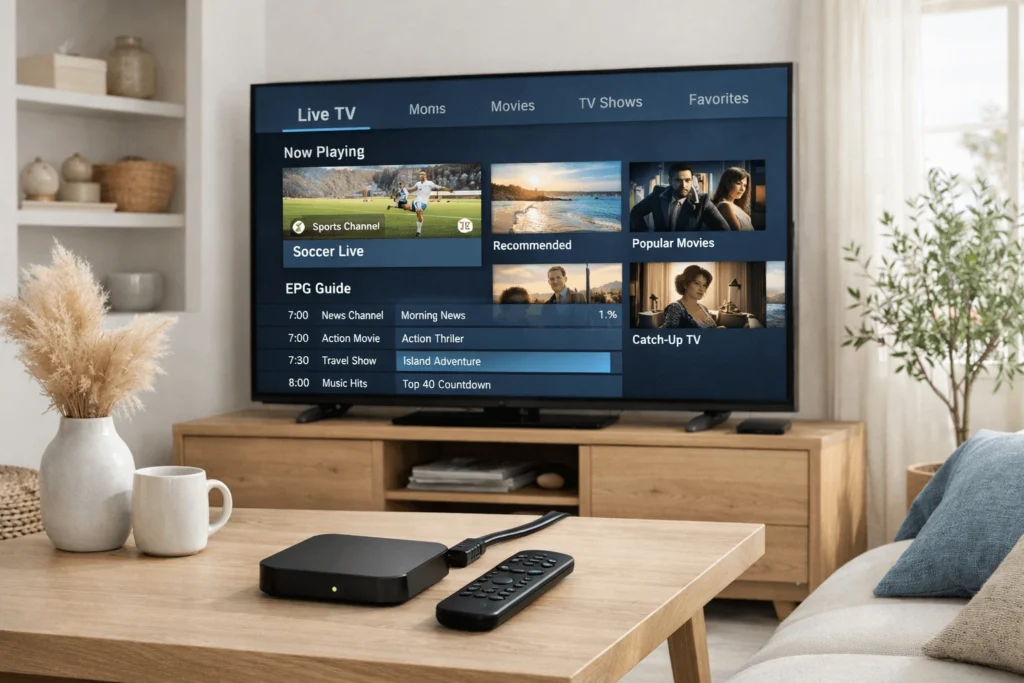
Dedicated IPTV hardware has become an increasingly common sight in Cypriot households, as residents across Nicosia, Limassol, Larnaca, and Paphos look for flexible, high-quality alternatives to traditional broadcast television. The combination of strong demand for international channels — spanning Greek, Arabic, British, Russian, and other regional content — alongside growing interest in 4K and emerging 8K streaming has made purpose-built IPTV devices particularly appealing. Understanding how to configure IPTV box Cyprus 4K setups correctly, whether using a MAG device or an Android TV box, is the essential first step toward a stable and genuinely high-resolution viewing experience.
This guide provides a clear, step-by-step breakdown of the setup process for both device types, along with the technical requirements needed to support demanding 4K and 8K streams in a Cypriot home environment.
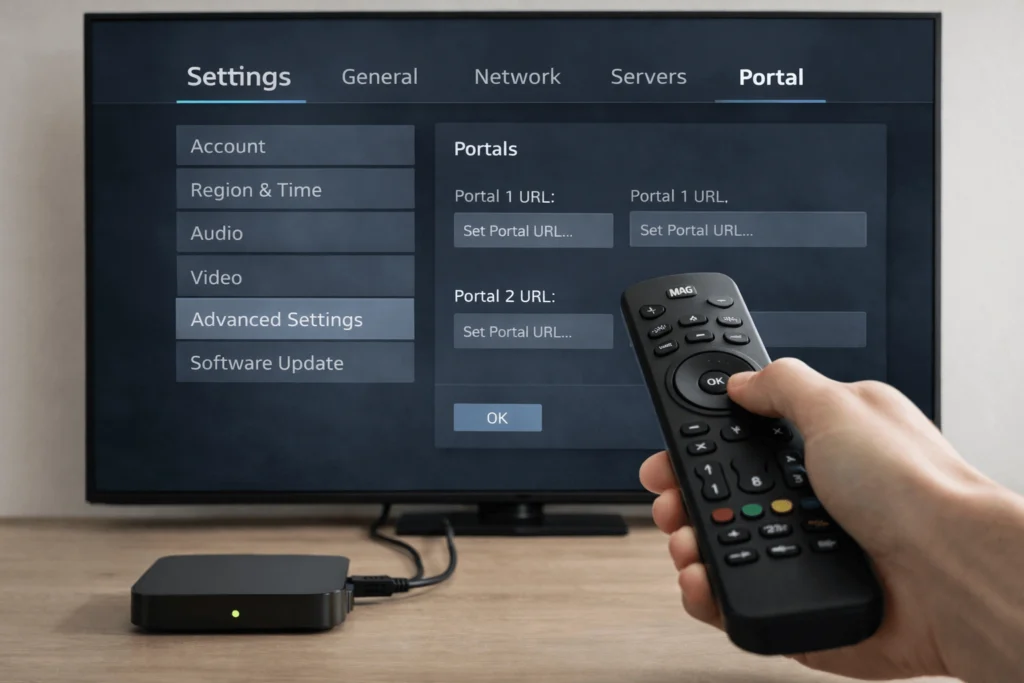
A MAG box is a dedicated IPTV set-top device produced primarily by Infomir. It runs a Linux-based operating system and connects to IPTV services through a portal system — most commonly the Stalker Middleware framework. Because the device is purpose-built for IPTV delivery, its interface is focused and straightforward, making it a practical choice for users who want a reliable, uncomplicated experience without managing multiple applications.
Current MAG models such as the MAG 524 and MAG 525 support 4K UHD output and HDR content, which aligns well with the growing appetite for high-resolution streaming among IPTV CY users. Authentication is handled through the device’s unique MAC address rather than a username and password, which simplifies the login process once initial registration with a provider is complete.
An Android TV box runs a full version of the Android operating system, offering considerably broader functionality than a MAG device. Users can install IPTV applications from the Google Play Store or via sideloading, access general streaming platforms, and run other applications alongside their IPTV service. Popular models used across Cyprus include the Nvidia Shield Pro, Xiaomi Mi Box S, and a range of budget-oriented devices from manufacturers such as H96 and X96.
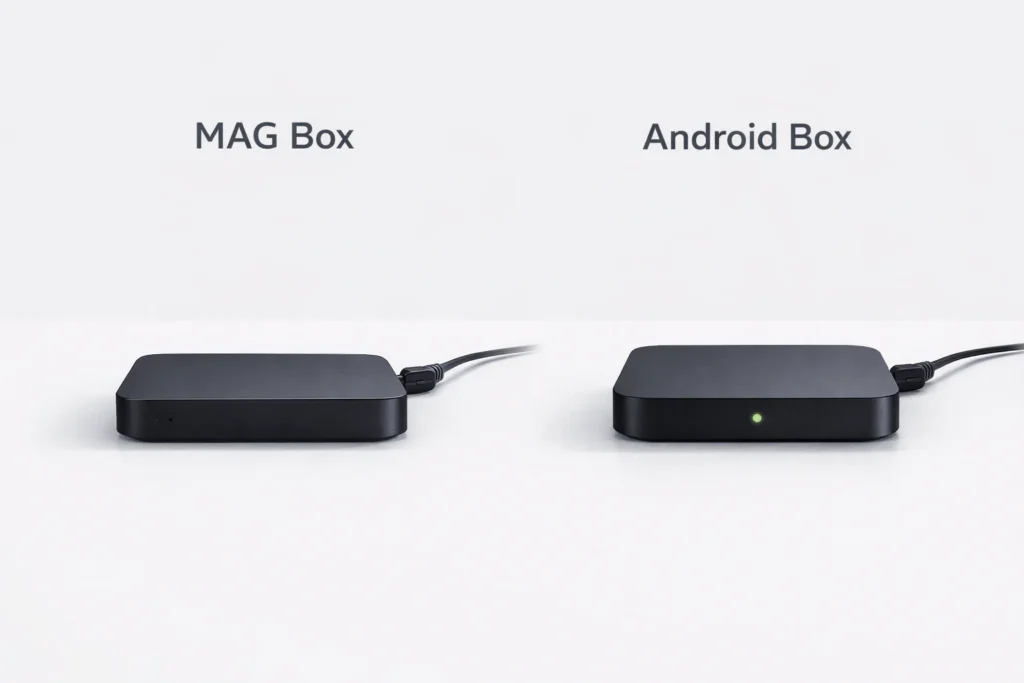
The core distinction is therefore one of focus versus flexibility. MAG boxes deliver a clean, IPTV-dedicated experience, while Android boxes function as full multimedia centres capable of accommodating a wider range of household viewing needs.

Before configuring any device, it is important to verify that your technical infrastructure supports the resolution you intend to stream. For stable 4K IPTV playback, a minimum internet connection speed of 25 Mbps is recommended. For 8K streams — which remain less common but are beginning to appear in select IPTV subscription Cyprus packages — speeds of 50 Mbps or above are necessary, with 100 Mbps or higher preferable when multiple devices are active simultaneously.
Cyprus has seen significant improvements in broadband infrastructure in recent years, with fibre optic connectivity available across many urban and suburban areas. However, connection quality can still vary between providers and locations, so running a speed test before streaming at high resolutions helps set realistic expectations.
A wired ethernet connection between your IPTV box and router is strongly recommended for 4K and 8K content. Wi-Fi introduces latency and packet loss variables that can destabilise high-bitrate streams even when overall speeds appear sufficient. Additionally, your television must support HDMI 2.0 or HDMI 2.1 for 4K and 8K output respectively, and your IPTV subscription must include streams encoded at the appropriate resolution — not all providers deliver genuine 4K or 8K content despite advertising these tiers.
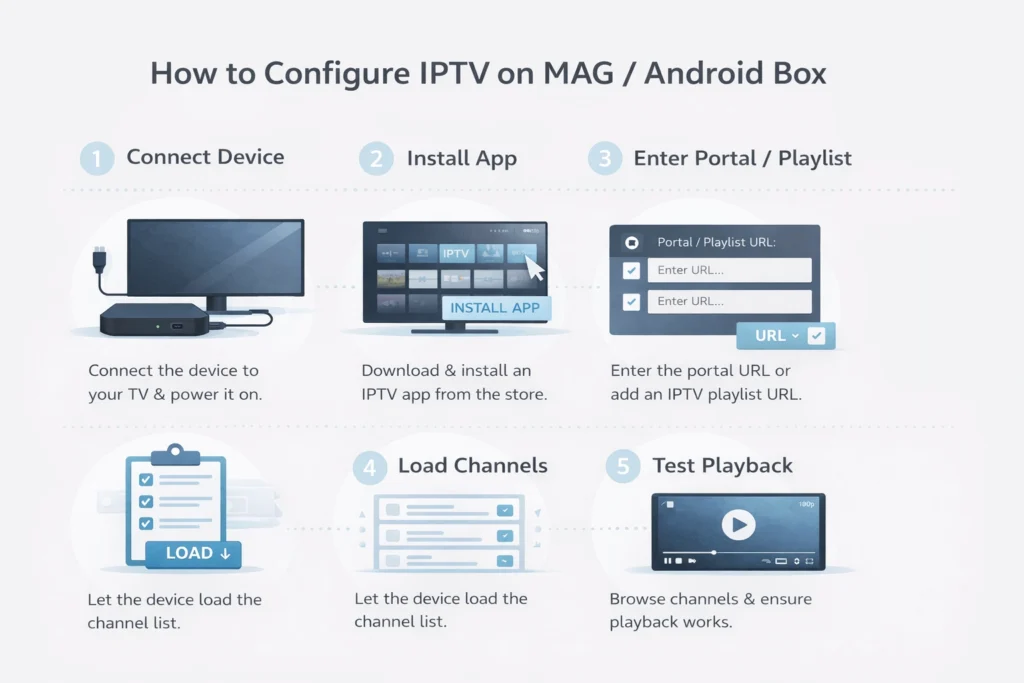
Connect the MAG device to your television using the supplied HDMI cable. For optimal streaming performance, connect it to your router via ethernet rather than Wi-Fi. Power on the device and allow it to complete its boot sequence, which typically takes between twenty and forty seconds depending on the model.
From the MAG home screen, navigate to Settings > System Settings > Servers > Portals. You will find fields for Portal 1 Name and Portal 1 URL. Enter the portal URL provided by your IPTV service exactly as supplied. Precision is important here — a single character error in the URL will prevent the portal from loading.
MAG boxes authenticate via their hardware MAC address rather than credentials. Locate your device MAC address under Settings > System Information and provide it to your IPTV provider. The provider will link your IPTV subscription Cyprus package to this address, enabling automatic authentication each time the device connects to the portal.
Save your portal settings and reboot the device. Upon restart, the MAG box will attempt to load the configured portal automatically. If authentication is successful, your full channel list will appear and the service will be ready for use. Indeed, most MAG configurations are fully operational within a few minutes of completing this process.
Connect your Android box to your television via HDMI and to your router via ethernet. Power on the device and check for system updates under Settings > About > System Update before proceeding, as outdated firmware can cause application compatibility issues.
Android boxes support a wide selection of IPTV player applications. Several options are worth considering depending on your preferences and technical familiarity.
IPTV Smarters Pro is one of the most widely used players among IPTV CY users, offering a structured interface that guides users through credential entry clearly. It supports both M3U playlists and Xtream Codes authentication, includes a video-on-demand section, and handles 4K stream playback reliably on capable hardware. It is available directly through the Google Play Store.
TiviMate is consistently regarded as one of the most polished Android IPTV players available, with a clean interface, strong EPG management, and efficient handling of large channel lists. A free version is available, with a reasonably priced premium upgrade adding multi-playlist support and additional customisation options.
GSE Smart IPTV provides broad format compatibility and suits users managing more than one playlist or IPTV subscription Cyprus account simultaneously.
For applications not available on the Play Store, the Downloader app allows APK installation directly — first enabling installation from unknown sources under Settings > Security > Unknown Sources.
Open your chosen IPTV player and navigate to the add playlist or account section. Enter either your M3U URL or Xtream Codes login details — server address, username, and password — as provided by your service. Allow the application to load your channel list and EPG data, which typically takes between thirty seconds and two minutes depending on playlist size.
Within the player settings, confirm that the output resolution matches your television’s native capability. Where available, enable hardware decoding rather than software decoding, as this reduces the processing load on the Android box during high-bitrate 4K and 8K streams and significantly improves playback smoothness.
For Cyprus-specific IPTV service guidance and locally relevant setup context, https://iptvcyprus4k.com/ provides useful reference information for users configuring IPTV box Cyprus 4K and 8K setups.
Verify the portal URL is entered without additional spaces or formatting errors. Additionally, confirm that your MAC address has been correctly registered with your provider and that the subscription is currently active. An expired or unregistered MAC address is the most frequent cause of portal authentication failure.
Buffering at high resolutions almost always points to a network constraint rather than a device issue. Switch to a wired ethernet connection if not already using one, close other bandwidth-intensive applications on your network, and restart your router. If buffering continues consistently across multiple channels, contact your provider to confirm that 4K streams are being delivered at the correct bitrate from their server infrastructure.
Trigger a manual EPG refresh within your application settings. Furthermore, some players require a separate EPG source URL to be configured alongside the main playlist — your provider should supply this information if applicable to your service.
A few practical steps help sustain reliable high-resolution streaming over time. Restarting both your IPTV device and router on a weekly basis clears cached data and refreshes network assignments. Keeping your IPTV player and device firmware updated ensures compatibility with current streaming codecs and protocols. Finally, for larger Cypriot properties where signal strength may vary across rooms, a mesh Wi-Fi system or powerline ethernet adapter provides a more consistent connection than relying on a single router’s wireless range.
Broadcasting and audiovisual media services in Cyprus operate within a regulatory framework overseen by the Cyprus Radio Television Authority (www.crta.org.cy), which sets standards for licensed content distribution across the island. While IPTV as a technology is entirely lawful, users are encouraged to review the Authority’s guidance to ensure that any service they access operates within applicable content licensing requirements in Cyprus.
Whether you choose the focused simplicity of a MAG device or the broader versatility of an Android box, correctly configuring an IPTV box Cyprus 4K or 8K setup requires attention to both hardware capability and network infrastructure. With the right device, a stable wired connection, an appropriate IPTV subscription Cyprus package, and a compatible player application, households across Cyprus can access a comprehensive and visually impressive range of live and on-demand international content.
Reliable IPTV service in Cyprus. Enjoy live TV, movies, and series with high-quality streaming, premium channels, and fast customer support.
© 2026 IPTV Cyprus. All rights reserved.
WhatsApp us