
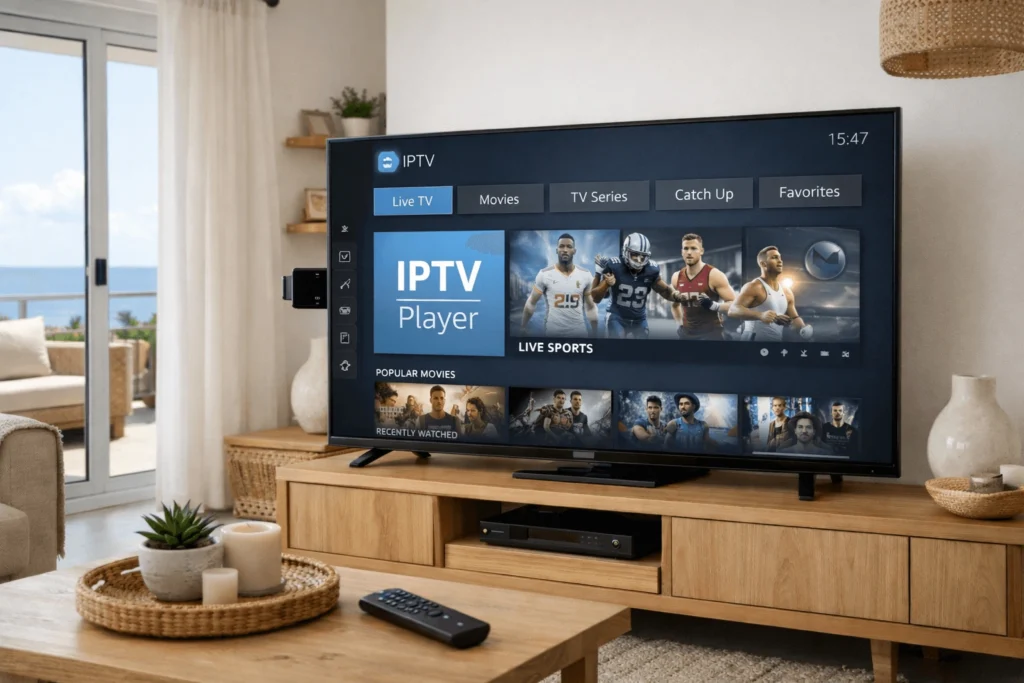
The Amazon Fire TV Stick has become one of the most popular devices for accessing IPTV in Cyprus, and for good reason. It is affordable, compact, widely available, and powerful enough to handle HD and 4K streaming without difficulty. Setting up IPTV Firestick Cyprus requires a few preparatory steps before any app installation can take place, but the overall process is straightforward and achievable without technical expertise. This guide covers everything from the initial device configuration through to playlist setup, app selection, and troubleshooting common issues.
Before beginning the setup process, gathering everything required in advance makes the installation considerably smoother. Several elements need to be in place before IPTV can function correctly on a Fire TV Stick.
First, you need an active IPTV subscription Cyprus plan from a provider that supplies either an M3U playlist URL or Xtream Codes login credentials. These are the two standard formats used to connect player applications to an IPTV service. Without valid credentials, no player application can load your channel list or access content.
Second, confirm that your internet connection meets the minimum speed requirements for the content you intend to stream. For HD channels, a stable connection of 10 to 15 Mbps is the standard recommendation. For 4K streams, 25 Mbps or above is preferable. Broadband infrastructure across Cyprus — including in Nicosia and Limassol — is generally well-developed, and most modern fibre-optic plans comfortably exceed these thresholds.
Third, ensure your Fire TV Stick is running the latest available firmware. Navigate to Settings, then My Fire TV, then About, and select Check for Updates. Keeping the device updated prevents compatibility issues with applications installed during the setup process.
Finally, have your Amazon account credentials available, as the Fire TV Stick requires an active Amazon account to access the Appstore and certain device settings.
Amazon’s Fire TV Stick does not permit the installation of third-party applications by default. To install IPTV Firestick Cyprus apps that are not listed in the Amazon Appstore — including some of the most capable IPTV player applications — you first need to enable the option to install apps from unknown sources.
To do this, go to Settings from the Fire TV home screen. Select My Fire TV, then Developer Options. Toggle the option labelled Apps from Unknown Sources to the on position. The device will display a warning about the risks of installing unverified software — acknowledge this and proceed. This setting does not affect the security of apps downloaded from the Amazon Appstore; it only allows additional installation methods for apps obtained elsewhere.
Once this setting is enabled, you can use the Downloader application — available directly from the Amazon Appstore — to download and install IPTV player apps that are not natively listed in Amazon’s catalogue.
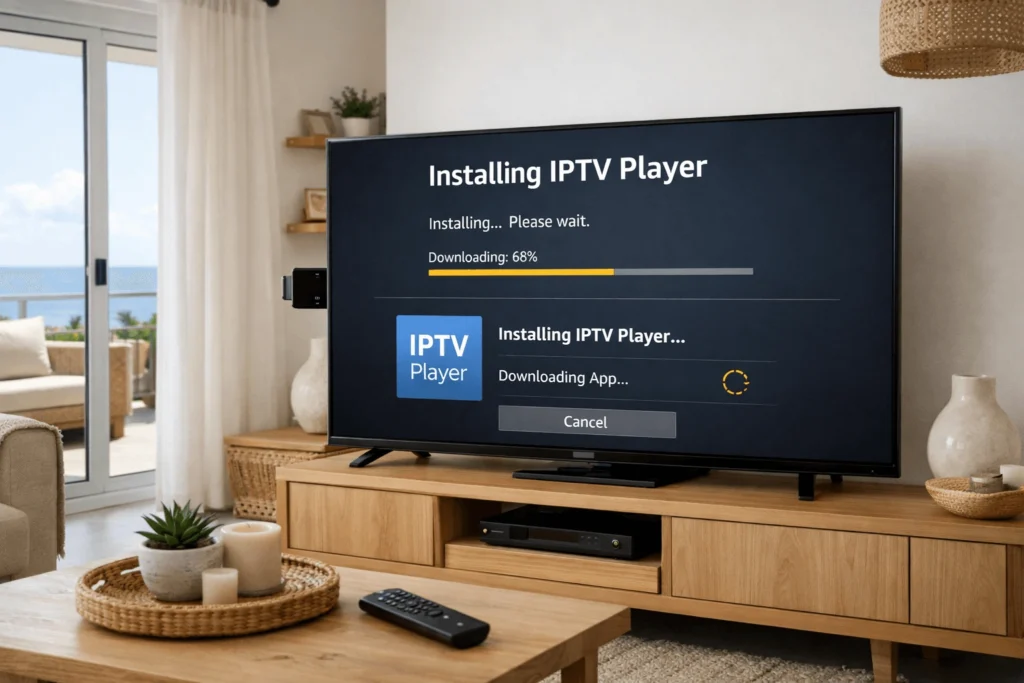
With the prerequisites in place and unknown sources enabled, the setup process follows a clear sequence. Begin by searching for and installing the Downloader app from the Amazon Appstore if it is not already present on the device.
Open Downloader and use its built-in browser to navigate to the URL provided by your IPTV CY provider or found through a trusted source for the APK file of your chosen player application. IPTV Smarters Pro, for example, has an APK available for direct download that installs on the Fire TV Stick without requiring the Google Play Store.
Once the APK file has downloaded, Downloader will prompt you to install it automatically. Select Install and wait for the process to complete. After installation, open the application from your Fire TV apps list.
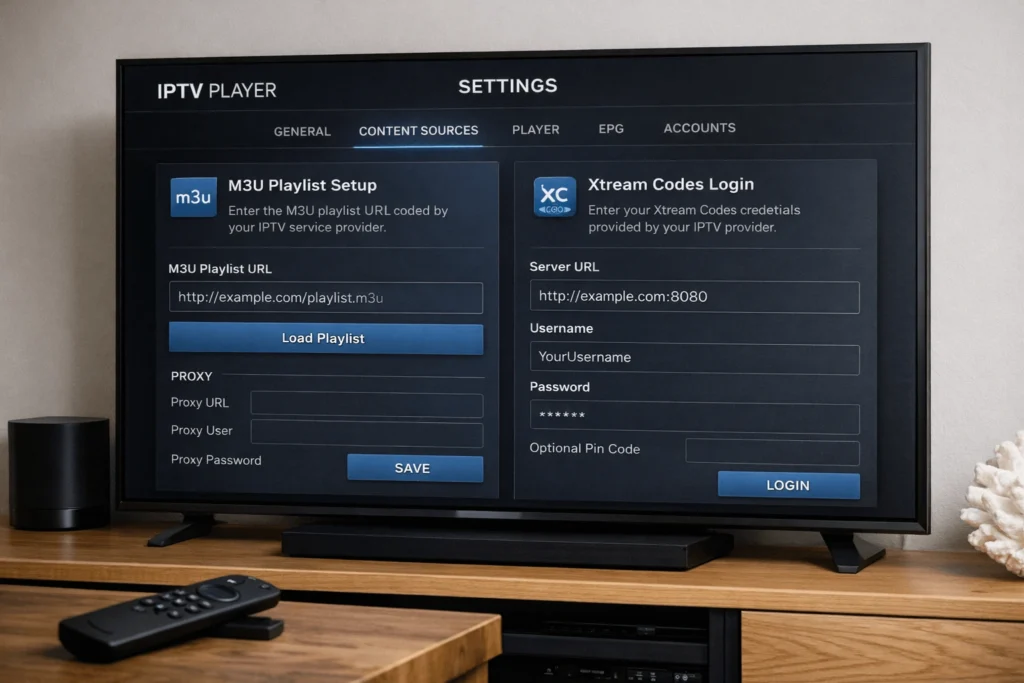
Within IPTV Smarters Pro, select Add User from the main screen. If your provider uses Xtream Codes, choose the Xtream Codes API option and enter the server URL, username, and password exactly as provided by your subscription. If your provider uses M3U, select the M3U URL option and paste your playlist link into the designated field. The application will connect to the server, load your channel list, and begin populating the EPG within a few minutes.
Additionally, after setup is complete, it is worth deleting the downloaded APK file through the Downloader app to free up storage space on the Fire TV Stick, which has limited internal memory.
Several IPTV player applications work well on the Fire TV Stick platform, each with different interface designs and feature sets. Understanding the options helps users choose the one that best suits their viewing habits.
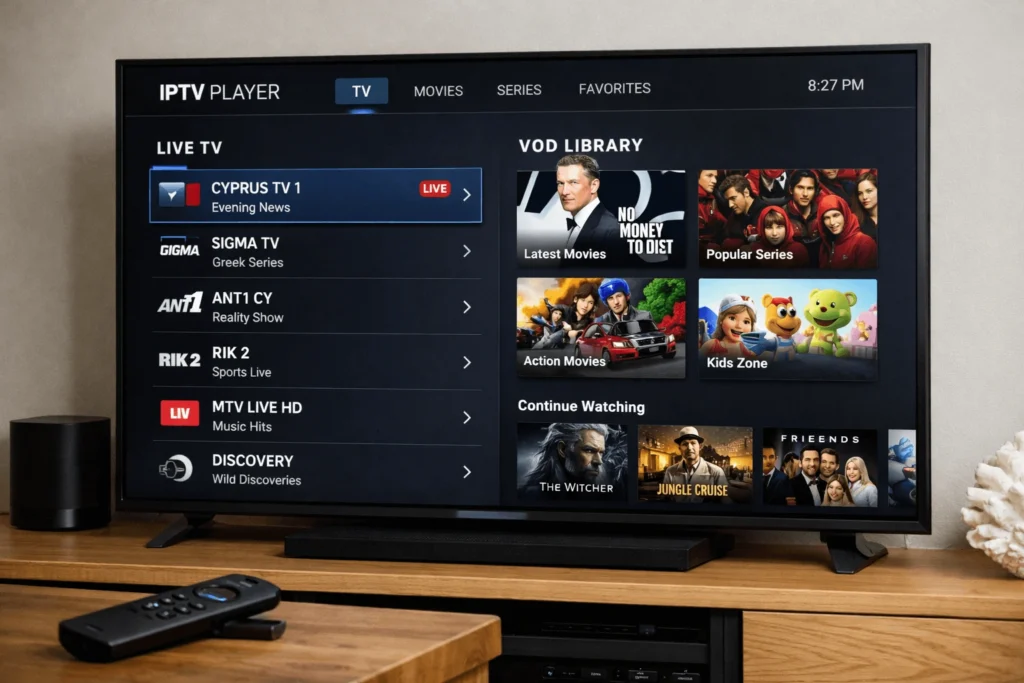
IPTV Smarters Pro is the most widely used application in the IPTV Cyprus market and offers strong compatibility with the vast majority of providers. It supports both M3U and Xtream Codes connections, includes a structured EPG, provides VOD and catch-up TV access, and handles multi-screen management. Its interface is clean and easy to navigate, making it a practical choice for households across Cyprus regardless of technical experience level.
Tivimate is another highly regarded option, particularly among users who prioritise EPG quality and interface polish. It is available through the Amazon Appstore for Fire TV Stick and offers a television-optimised layout that feels natural when navigating with a remote control. Tivimate supports Xtream Codes and M3U connections and includes features such as channel favourites, recording to external storage, and detailed playback statistics.
TiviMate and IPTV Smarters Pro represent the two most consistently recommended applications for IPTV Firestick Cyprus setups, and both are actively maintained with regular updates. However, other options including GSE Smart IPTV and Perfect Player are also compatible with Fire TV Stick and may suit users who prefer alternative interface styles.
These two terms appear throughout the IPTV setup process, and understanding what they represent helps avoid confusion when entering credentials.
An M3U playlist is a file containing a list of stream URLs for each channel and VOD title included in your subscription. When you enter an M3U URL into a player application, the app reads this file and builds your channel list from the links it contains. M3U is a universal format supported by every major IPTV player application and is the simplest connection method to configure.
Xtream Codes is a server-side API that uses a direct connection between the player and the provider’s server, authenticated with a username and password. This method retrieves the channel list, EPG data, and VOD catalogue in real time from the server rather than from a static file. It generally provides faster channel list updates, more reliable EPG synchronisation, and better integration with catch-up TV features than M3U connections.
Most IPTV subscription Cyprus providers support both formats. If you are unsure which to use, Xtream Codes is typically the more reliable option when available.
Even with a correct setup process, some users encounter issues during or after installation of IPTV Firestick Cyprus. The most frequent problems have straightforward solutions.
If the application fails to authenticate and displays a login error, verify that the server URL, username, and password have been entered exactly as provided — including correct letter casing and no extra spaces before or after any field. A single character error prevents successful authentication.
If channels load slowly or buffer consistently despite a fast internet connection, the most effective step is to connect the Fire TV Stick via a wired Ethernet adapter rather than relying on Wi-Fi. Amazon sells an official Ethernet adapter for the Fire TV Stick that connects through the micro-USB or USB-C port depending on the model. A wired connection eliminates Wi-Fi signal variability and reduces buffering significantly.
If the EPG fails to display programme information, check whether your provider has supplied a dedicated EPG URL and whether it has been entered in the correct settings field within the player application. EPG data can also take several minutes to load fully after the initial connection is established.
For persistent issues that basic troubleshooting does not resolve, contacting the provider’s support team directly is the most efficient next step. Some providers operating in the IPTV CY market offer WhatsApp-based support, which allows users to describe their issue in detail and receive guided assistance promptly.
Households in Nicosia and Limassol benefit from strong broadband infrastructure that makes high-quality IPTV streaming technically achievable with relative ease. A few practical steps help ensure that technical foundation translates into a consistently stable viewing experience.
Use a wired Ethernet connection wherever possible, particularly for the primary viewing device in the living room. If running a cable directly from the router is not practical, a powerline Ethernet adapter provides a reliable alternative by transmitting the network connection through the building’s existing electrical wiring.
Restart the Fire TV Stick periodically — particularly if it has been in use for extended periods — to clear cached data and free up working memory. This simple step resolves many instances of gradual performance degradation that users sometimes attribute incorrectly to their internet connection or provider.
Resources such as https://iptvcyprus4k.com/ provide additional guidance for consumers in Cyprus researching IPTV setup options and looking to understand the full range of compatible devices and services available in the local market.
The Cyprus Radio Television Authority, which oversees audiovisual media regulation on the island, provides the broader regulatory framework within which IPTV services in Cyprus operate. Being aware of this context helps consumers make informed decisions when selecting and using any internet television service.
Can I install IPTV Smarters Pro directly from the Amazon Appstore on a Fire TV Stick? IPTV Smarters Pro is not always listed in the Amazon Appstore and may need to be installed via the Downloader app using the APK method described in this guide. Availability in the Appstore can change, so it is worth searching there first before using the APK route.
Do I need a VPN to use IPTV on a Fire TV Stick in Cyprus? A VPN is not required for IPTV to function in Cyprus. Most IPTV services deliver content directly over the internet without geographic restrictions on the delivery side. However, some users choose to use a VPN for general privacy reasons, which is a separate consideration from IPTV functionality.
How many Fire TV Sticks can use the same IPTV subscription simultaneously? This depends on the number of simultaneous connections included in your IPTV subscription Cyprus plan. Most plans specify a defined number of concurrent streams, typically ranging from one to three. Confirm this detail with your provider before setting up multiple devices.
Setting up IPTV Firestick Cyprus is a practical and accessible process that most users can complete within thirty minutes. Enabling unknown sources, installing a capable player application such as IPTV Smarters Pro, and configuring your subscription credentials via M3U or Xtream Codes are the three core steps that apply regardless of which provider or player you choose. Combined with a stable broadband connection and the stability tips outlined in this guide, the Fire TV Stick delivers a reliable and feature-rich internet television experience for households across Cyprus.
Reliable IPTV service in Cyprus. Enjoy live TV, movies, and series with high-quality streaming, premium channels, and fast customer support.
© 2026 IPTV Cyprus. All rights reserved.
WhatsApp us