
Gaming consoles have evolved far beyond gaming. Today, millions of households use their Xbox or PlayStation as full entertainment hubs — streaming movies, sports, and live TV. It’s no surprise that users in Cyprus are now asking: can I watch IPTV on gaming consoles? The answer is nuanced. While consoles aren’t built with native IPTV support, there are legitimate workarounds that can get you streaming. This guide breaks down exactly what’s possible, what’s limited, and what your best options are.
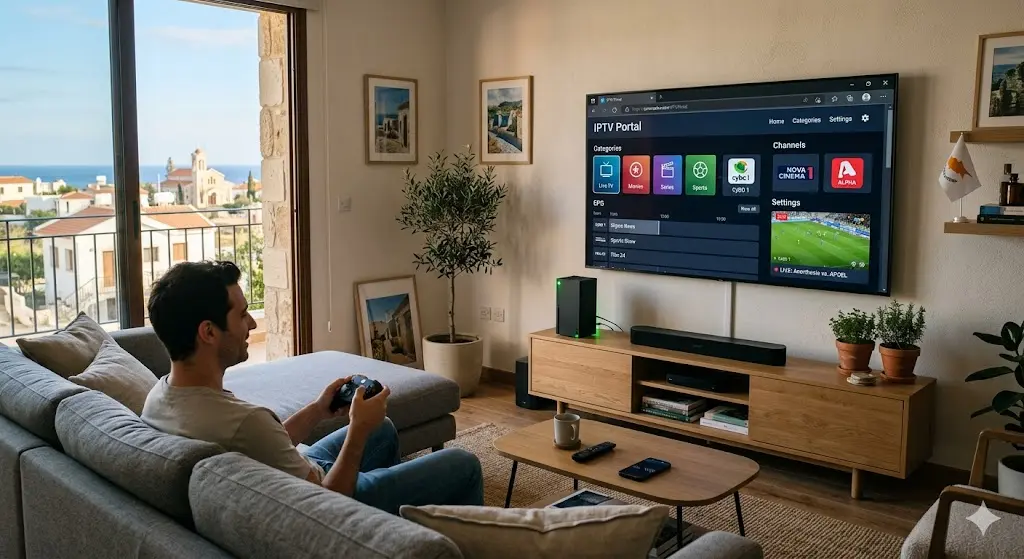
The honest answer is: yes, but with limitations.
Neither Xbox nor PlayStation offers a native IPTV app from their official stores. You won’t find apps like IPTV Smarters or TiviMate listed in the Microsoft Store or PlayStation Store. These platforms are primarily designed for gaming and mainstream streaming services like Netflix or Disney+.
However, IPTV on gaming consoles is still achievable through browser-based methods, casting from mobile devices, and web portals — depending on your console model and software version. It’s not as seamless as using a dedicated Android box or Smart TV, but it works for many users who want to avoid buying additional hardware.
Xbox consoles — particularly the Xbox One, Xbox Series S, and Xbox Series X — have more flexibility than PlayStation when it comes to streaming IPTV on gaming consoles.
Xbox consoles come with Microsoft Edge built in, and this is your best entry point for IPTV streaming.
Here’s how to do it:
This method supports most IPTV streams and requires no additional installation. Performance depends on your internet connection speed and the quality of your IPTV service.
Some IPTV providers offer dedicated web portals — browser-accessible dashboards where you log in and watch channels without installing any app. If your IPTV provider in Cyprus offers a web portal, this is arguably the cleanest way to stream IPTV on Xbox without workarounds.
Simply open Edge, go to your provider’s portal URL, log in, and you’re watching live TV directly on your Xbox screen.
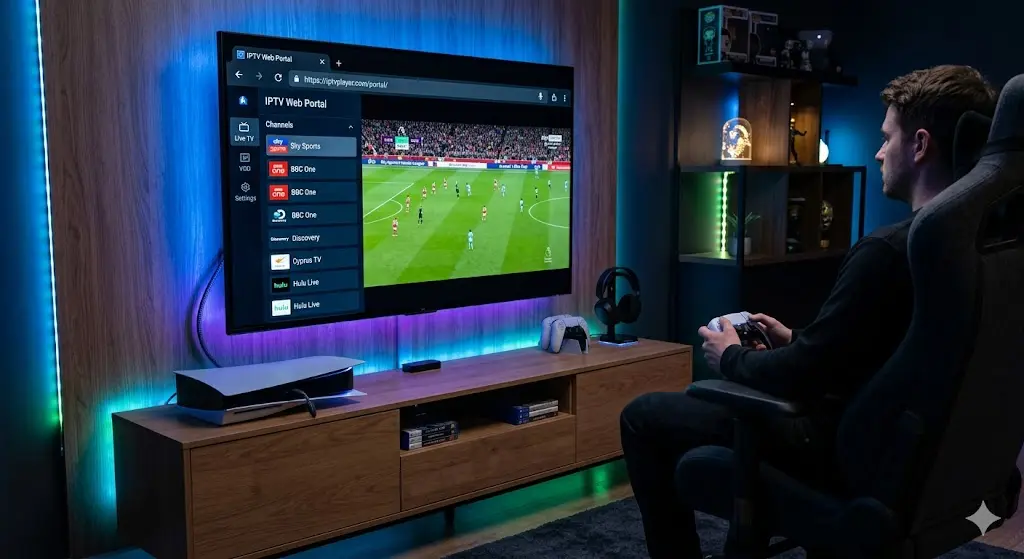
PlayStation users have fewer native options, but streaming IPTV on gaming consoles is still possible on PS4 and PS5 with a bit of creativity.
Sony removed the easily accessible web browser from the PlayStation interface for a time, but PS5 users can still access a hidden browser through the console’s network settings or certain apps. This browser can be used to load web-based IPTV portals, similar to the Xbox Edge method.
For PS4, the built-in browser (accessible via the main menu) can navigate to IPTV web players, though the experience may be slower and less stable.
It’s important to be transparent: PlayStation is not optimised for IPTV streaming. The browser is limited, video performance can lag, and there’s no dedicated IPTV app available. If you’re a PS5 user hoping for smooth 4K IPTV playback, you’ll likely be disappointed compared to a Fire Stick or Android TV box.
Since native apps aren’t available, here are the most practical solutions for watching IPTV on gaming consoles:
Browser-accessible IPTV tools (such as M3U playlist loaders) are the most accessible option. They require only an internet browser and a valid IPTV subscription with an M3U link.
Both Xbox and PlayStation support screen mirroring and casting. You can:
This is a reliable workaround that lets you use full-featured IPTV apps without needing native console support.
If your console is connected to a Smart TV, consider switching inputs and using the Smart TV’s own IPTV apps directly. Samsung, LG, and Android TV-based televisions all support IPTV apps far better than consoles do.
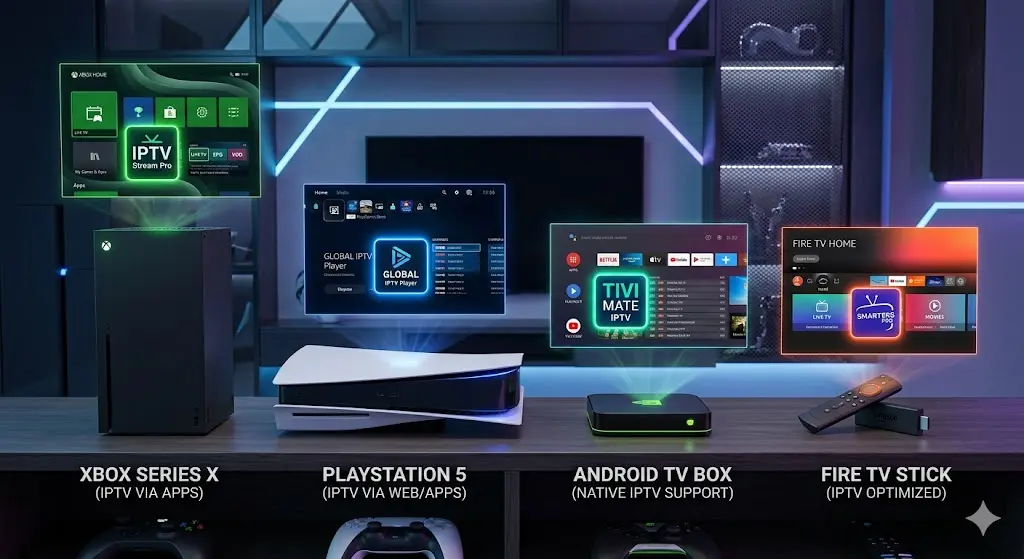
If streaming IPTV on gaming consoles feels like too many compromises, the following devices offer a far smoother experience:
Smart TV — Direct app installation, stable performance, user-friendly interface. Best for households where the TV is the primary screen.
Android TV Box — Highly flexible, supports all major IPTV applications, and costs far less than a gaming console. Ideal for IPTV console compatibility issues since you bypass the console entirely.
Amazon Fire Stick — Compact, affordable, and easy to set up. Supports sideloading IPTV apps and runs smoothly even on older televisions.
All three alternatives offer more reliable IPTV performance, cleaner interfaces, and better long-term support than trying to force a gaming console into an IPTV streaming device.
If you do choose to stream IPTV on your Xbox or PlayStation, follow these tips to get the best results:
Whether you’re streaming from an Xbox, a Fire Stick, a Smart TV, or an Android box — the most important step is choosing a reliable IPTV provider that actually works in Cyprus.
At iptvcyprus4k.com, we offer:
✅ Fast activation — start watching within minutes ✅ Compatible with all devices, including consoles, Smart TVs, phones, and more ✅ Crystal-clear HD and 4K channels ✅ 24/7 customer support whenever you need help
📲 Ready to start? Contact us directly on WhatsApp for instant setup:
👉 Click here to message us on WhatsApp
Our team will guide you through setup on any device — no technical knowledge required. Don’t let your console’s limitations stop you from enjoying the channels you love.
Reliable IPTV service in Cyprus. Enjoy live TV, movies, and series with high-quality streaming, premium channels, and fast customer support.
© 2026 IPTV Cyprus. All rights reserved.
WhatsApp us